
Workflow
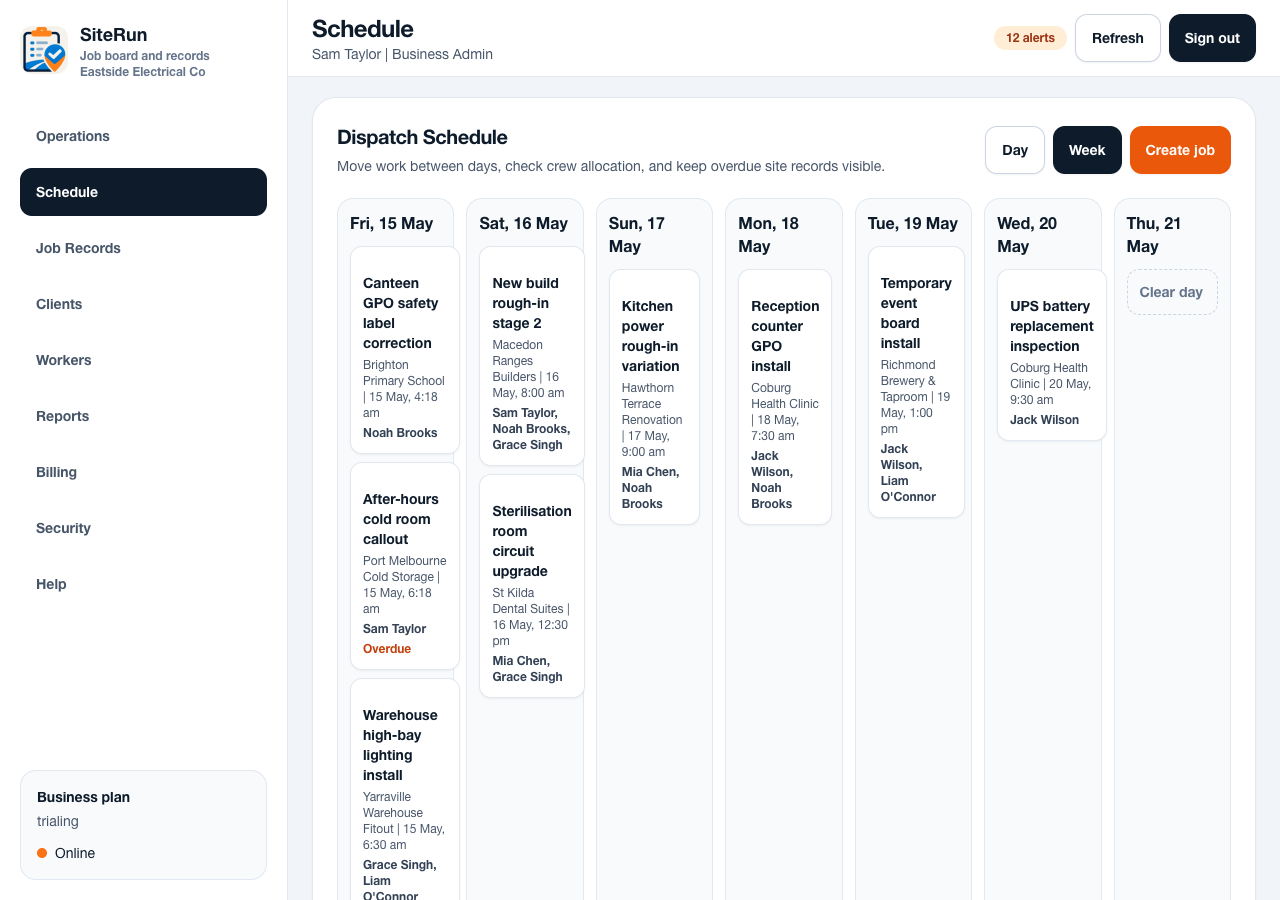
- New job: add client, choose site, write access notes, assign worker, schedule time.
- Morning start: worker opens Today, completes prestart, opens first job, checks in.
- Evidence follow-up: admin filters jobs missing after photos and sends the worker back to the job record.
- Closeout: worker adds completion note, uploads proof, signs off if required, admin exports report.
- Weekly review: admin checks completed jobs, overdue items, timesheets and missing information.
Operational notes
- The best workflows are short enough to repeat without special training.
- Admin and worker views should support the same job record from different angles.
- Rules such as required photos or prestarts should be introduced when the team is ready to follow them.
Common mistakes to avoid
- Trying to configure every workflow before using the first job.
- Making every field mandatory before workers trust the system.
- Treating the help centre as a substitute for a clear first-run checklist.
Ready to try this workflow?
Open SiteRun, create one real job record and test the steps with the crew member who will use it onsite.