
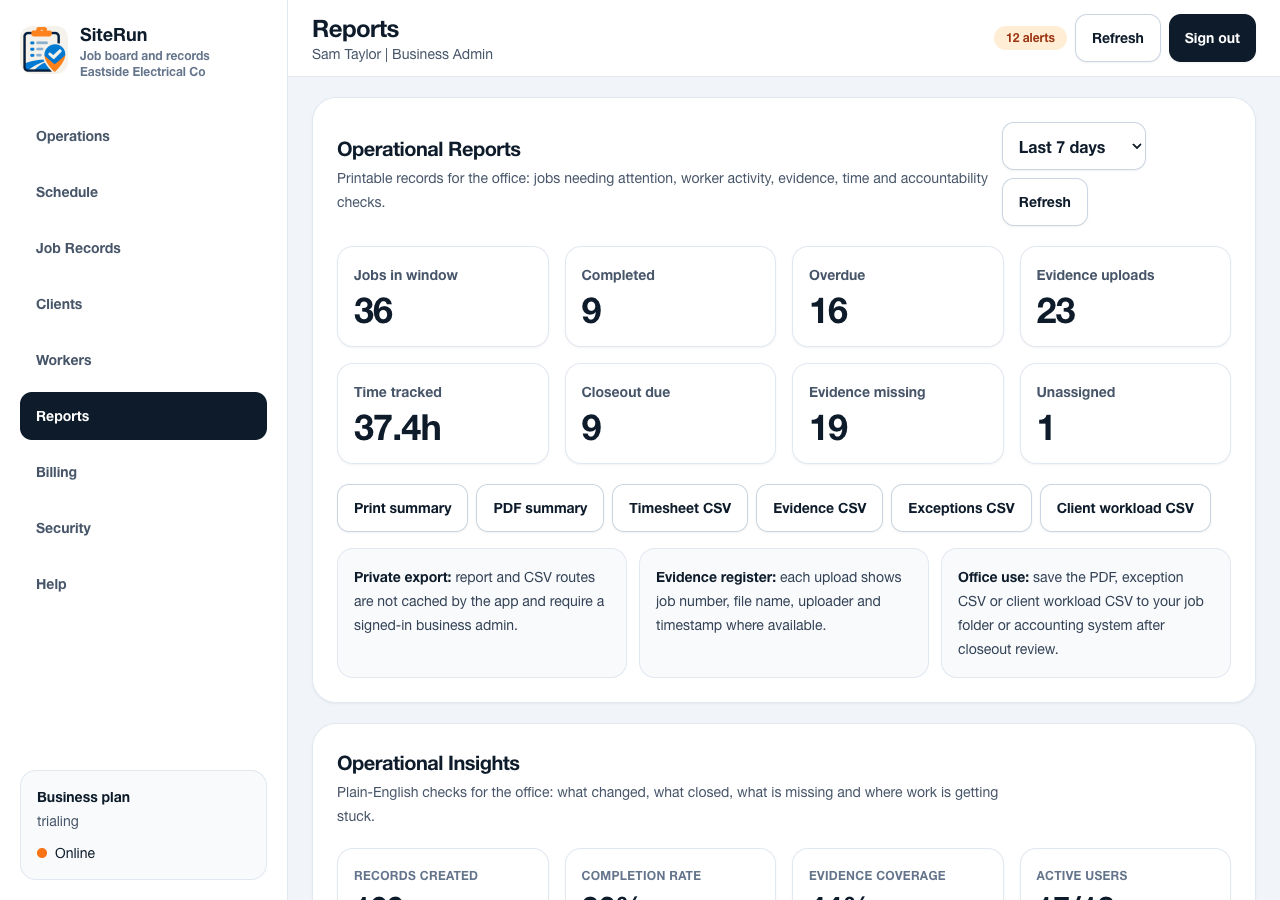
Workflow
- Review the job detail for missing notes, photos or sign-off.
- Generate the job completion report after closeout requirements are met.
- Use operational summaries for weekly review and follow-up.
- Export timesheet or worker activity data when the office needs a broader view.
- Keep exported records consistent with the business record and privacy requirements.
Operational notes
- Reports should be generated server-side so mobile devices do not carry heavy processing.
- PDF and email variables must be escaped and sanitised before rendering.
- Exports should be practical: completion packs, evidence, timesheets and exceptions.
Common mistakes to avoid
- Exporting before required closeout evidence is present.
- Using reports as a replacement for good onsite notes.
- Treating CSV exports as customer-facing documents.
Ready to try this workflow?
Open SiteRun, create one real job record and test the steps with the crew member who will use it onsite.