
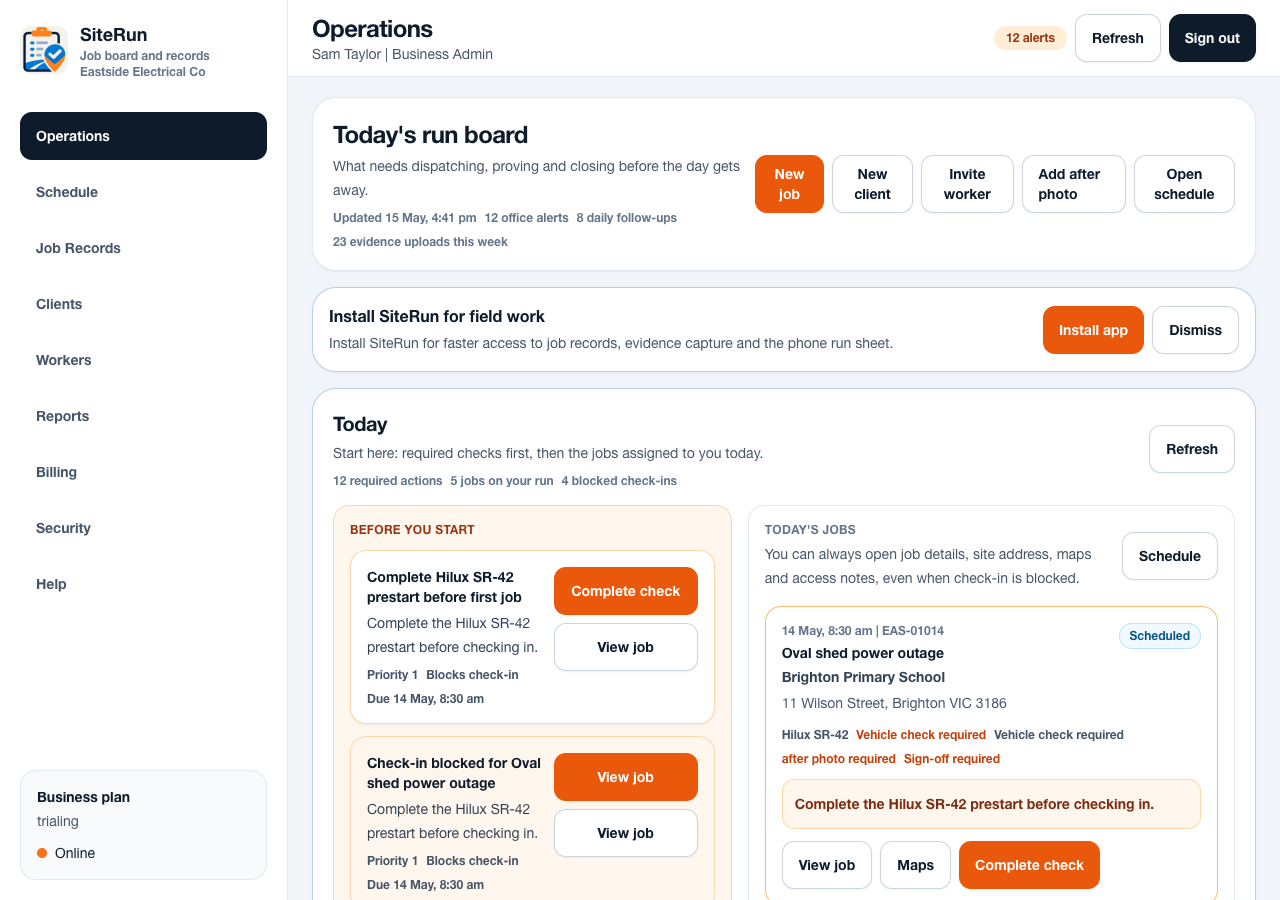
Workflow
- Create the workspace with the business email you want tied to SiteRun.
- Add one real client or site before adding a long customer list.
- Invite the worker or owner-operator who will update the first job from the field.
- Create one current job with address, site access notes, scheduled time and owner.
- Attach a note or site photo, then generate the first job record or report.
Operational notes
- SiteRun is strongest when the job record is treated as the source of truth for site notes, photos and closeout.
- Workers and admins see different views. Workers need the run sheet and quick actions; admins need oversight, search and follow-up.
- Start small. A business can add prestarts, vehicle readiness and stricter closeout rules after the first jobs are flowing.
Common mistakes to avoid
- Creating too many test records instead of one real job that the team recognises.
- Leaving site access notes in texts while expecting workers to use the app.
- Inviting workers before deciding which jobs they should see first.
Mobile notes
- Install the app to the phone home screen for field use.
- Ask workers to open Today first, not the full schedule.
- Keep the first job simple: view job, open maps, check in, add photo, add note.
Ready to try this workflow?
Open SiteRun, create one real job record and test the steps with the crew member who will use it onsite.