
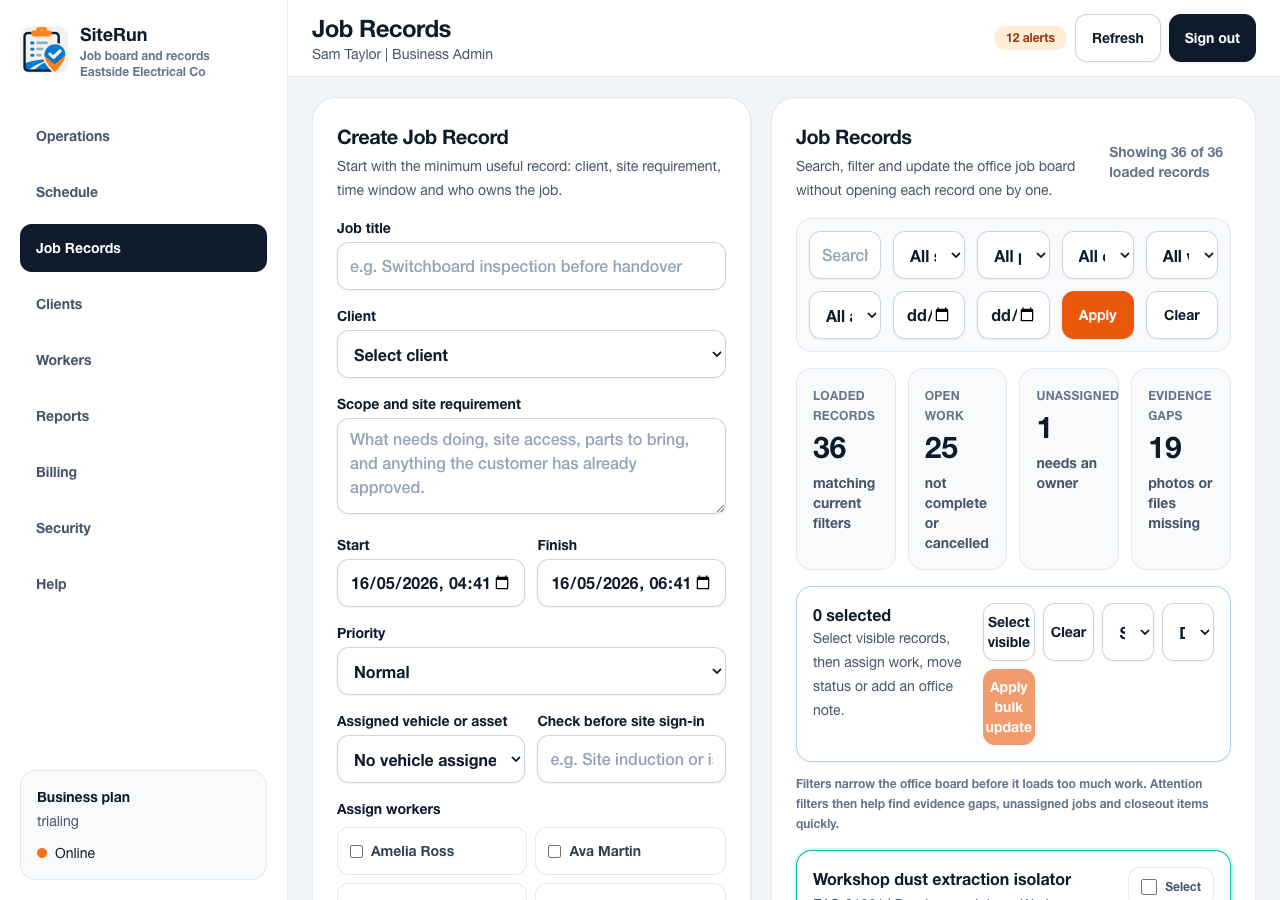
Workflow
- Add a note while the details are still fresh.
- Include what was done, what changed and anything the office needs to chase.
- Upload required after photos and any relevant attachments.
- Complete worker sign-off if the business has turned it on.
- Generate or export the job record once closeout requirements are met.
Operational notes
- Good closeout notes mention parts used, access issues, customer changes, defects and return visits.
- A job can remain awaiting closeout when required evidence, sign-off or summary is missing.
- Printable records should be formal enough for office use but simple enough to generate quickly.
Common mistakes to avoid
- Writing complete instead of a meaningful completion summary.
- Adding photos without explaining what changed.
- Closing the job before required evidence has uploaded successfully.
Mobile notes
- Use quick note chips for common onsite updates, then add detail where needed.
- Keep Sign off and Add photo reachable near the bottom action area.
- Show closeout blockers in plain language before the worker leaves site.
Ready to try this workflow?
Open SiteRun, create one real job record and test the steps with the crew member who will use it onsite.