
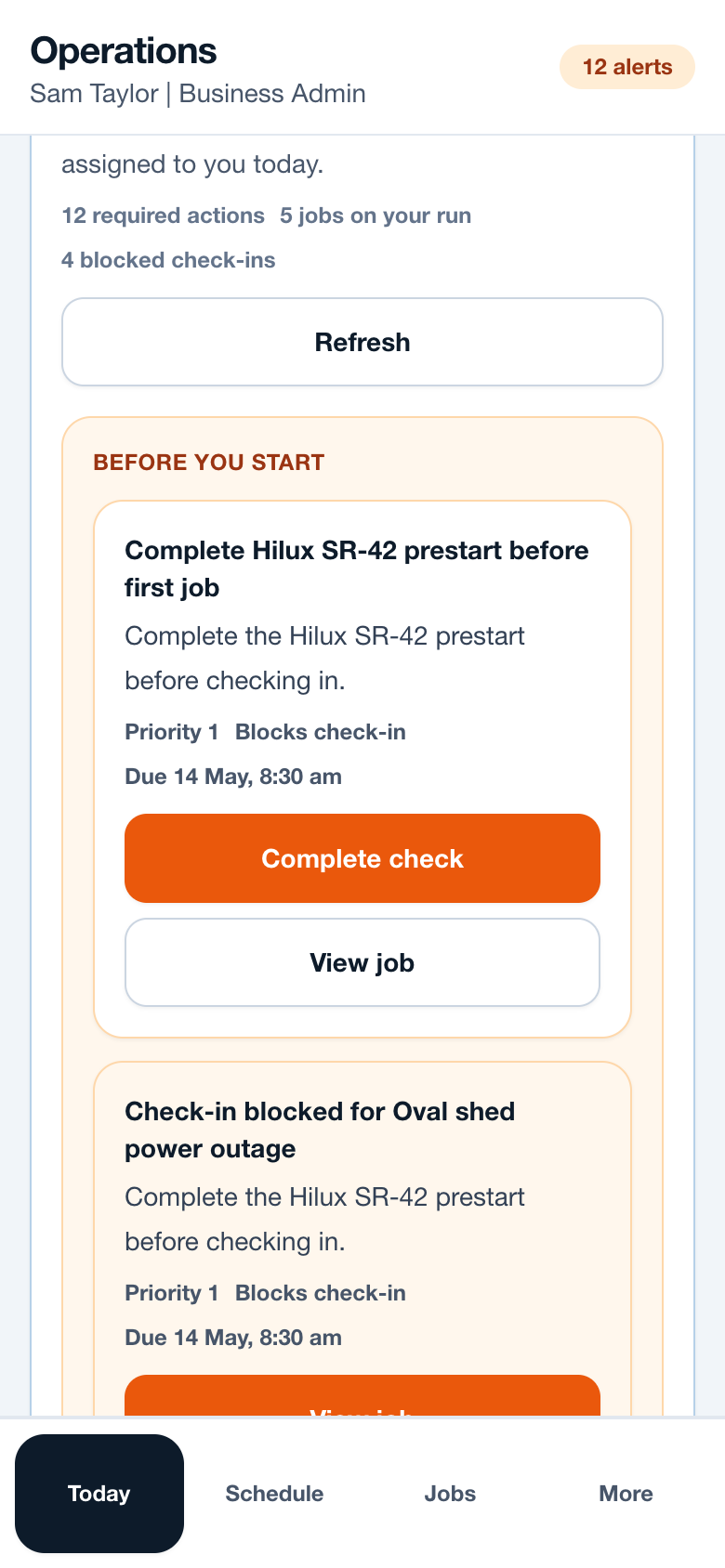
Workflow
- Add vehicles or assets with clear names and registrations.
- Assign the relevant vehicle to workers or jobs.
- Choose whether readiness should block check-in.
- Review defects and mark vehicles ready only when appropriate.
- Use audit history to understand blocked attempts or readiness changes.
Operational notes
- Vehicle readiness blocking should be turned on only when the business is ready to enforce it.
- A critical defect should produce a clear reason, not a vague disabled button.
- Prestart completion should be timestamped and linked to the worker.
Common mistakes to avoid
- Using vehicle readiness without assigning vehicles to jobs.
- Allowing critical defects to sit open without an owner.
- Blocking check-in without giving workers a path to complete the check.
Ready to try this workflow?
Open SiteRun, create one real job record and test the steps with the crew member who will use it onsite.