
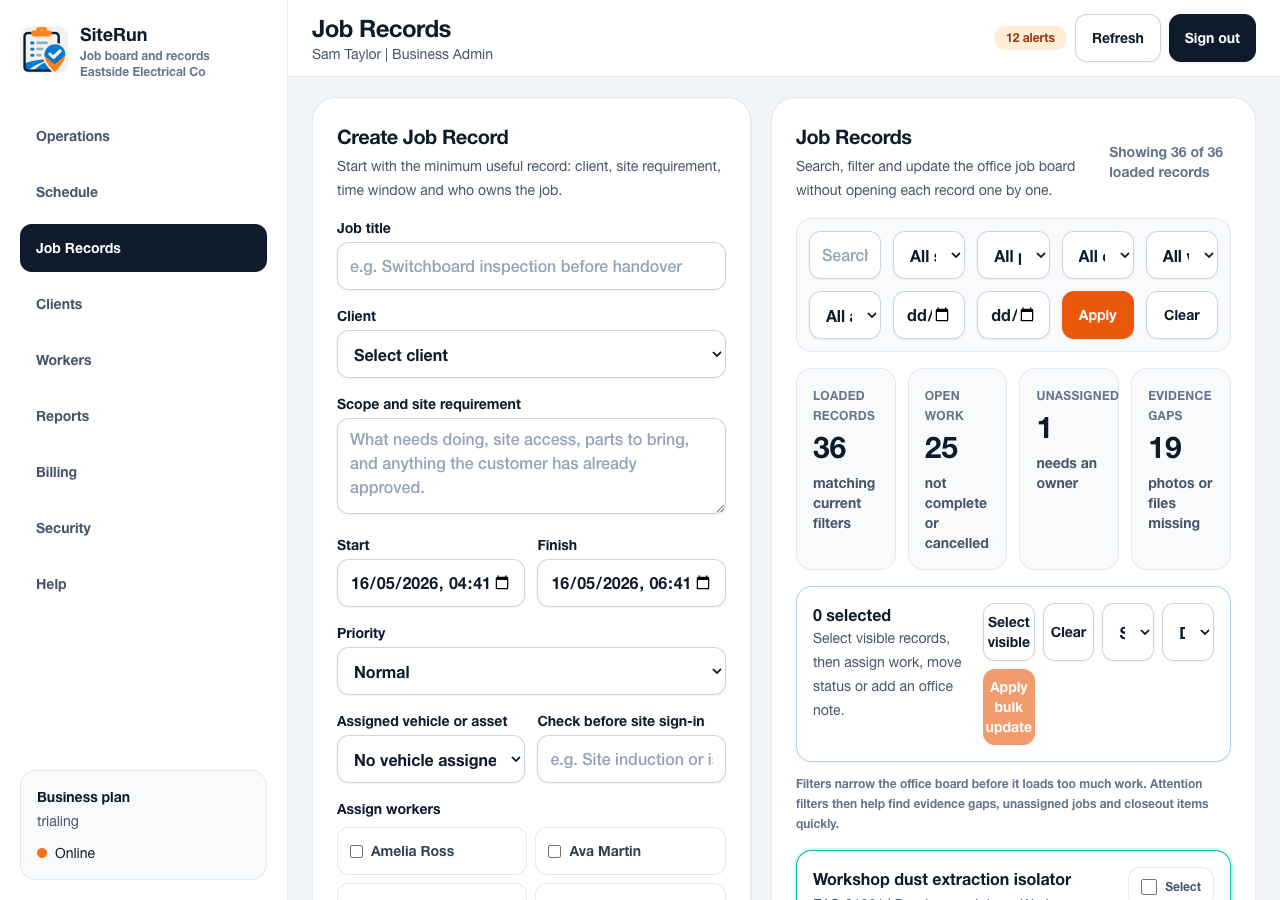
Workflow
- Open the job record before taking photos.
- Choose the right evidence type, usually before or after.
- Use the phone camera where possible so the photo is captured while onsite.
- Check upload status before leaving site if the job requires closeout evidence.
- Admins review missing photos from the dashboard or job detail.
Operational notes
- Default closeout should usually require after photos only. During photos can stay optional unless an admin requires them.
- Each upload should stay tied to the job, worker, timestamp and source.
- Unsupported file types or oversized uploads should fail with a clear retry path.
Common mistakes to avoid
- Taking photos outside the job and forgetting which site they belong to.
- Uploading decorative photos instead of proof the office can use.
- Leaving after photos until the worker is already at the next job.
Mobile notes
- Camera-first upload buttons should be large and close to job actions.
- Workers need clear upload failure messages and retry options.
- Use short labels such as Add after photo rather than technical upload wording.
Ready to try this workflow?
Open SiteRun, create one real job record and test the steps with the crew member who will use it onsite.