
Workflow
- Add access notes, site contact and preparation requirements when the job is created.
- Turn on site readiness blocking only when the business wants workers to confirm requirements before check-in.
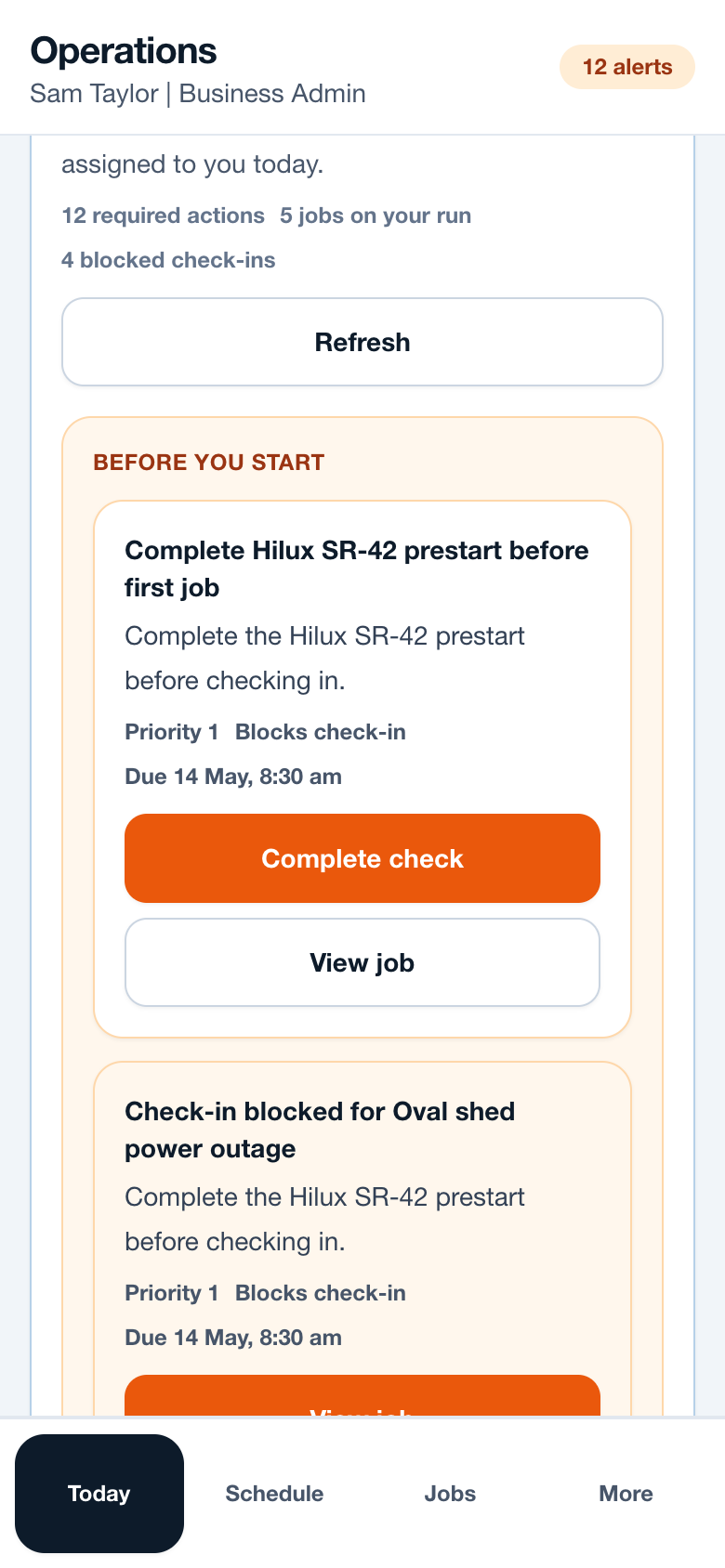
- Workers open the blocked job to read the address, map link, contact and preparation notes.
- Complete or confirm the site requirements from the job or Today action.
- Retry check-in after the required site readiness items are complete.
Operational notes
- Blocking should stop field actions such as check-in, arrival, onsite timer and completion. It should not stop viewing essential job information.
- Site requirements should be short and practical: induction, key pickup, gate code, isolation window or required document.
- Admins should review repeated blocked attempts to see whether setup notes are unclear or missing.
Common mistakes to avoid
- Using site readiness as a long compliance form instead of a quick operational check.
- Blocking workers without giving a clear next action.
- Leaving access notes in text messages instead of the job record.
Mobile notes
- Keep site requirement buttons large enough for field use.
- Put Open maps and View job beside blocked messages.
- Use plain reasons such as Gate code missing or Induction not confirmed.
Ready to try this workflow?
Open SiteRun, create one real job record and test the steps with the crew member who will use it onsite.