
Workflow
- Create or select the client record.
- Choose the saved site or enter a one-off location for the job.
- Add site contact details, access notes and scope.
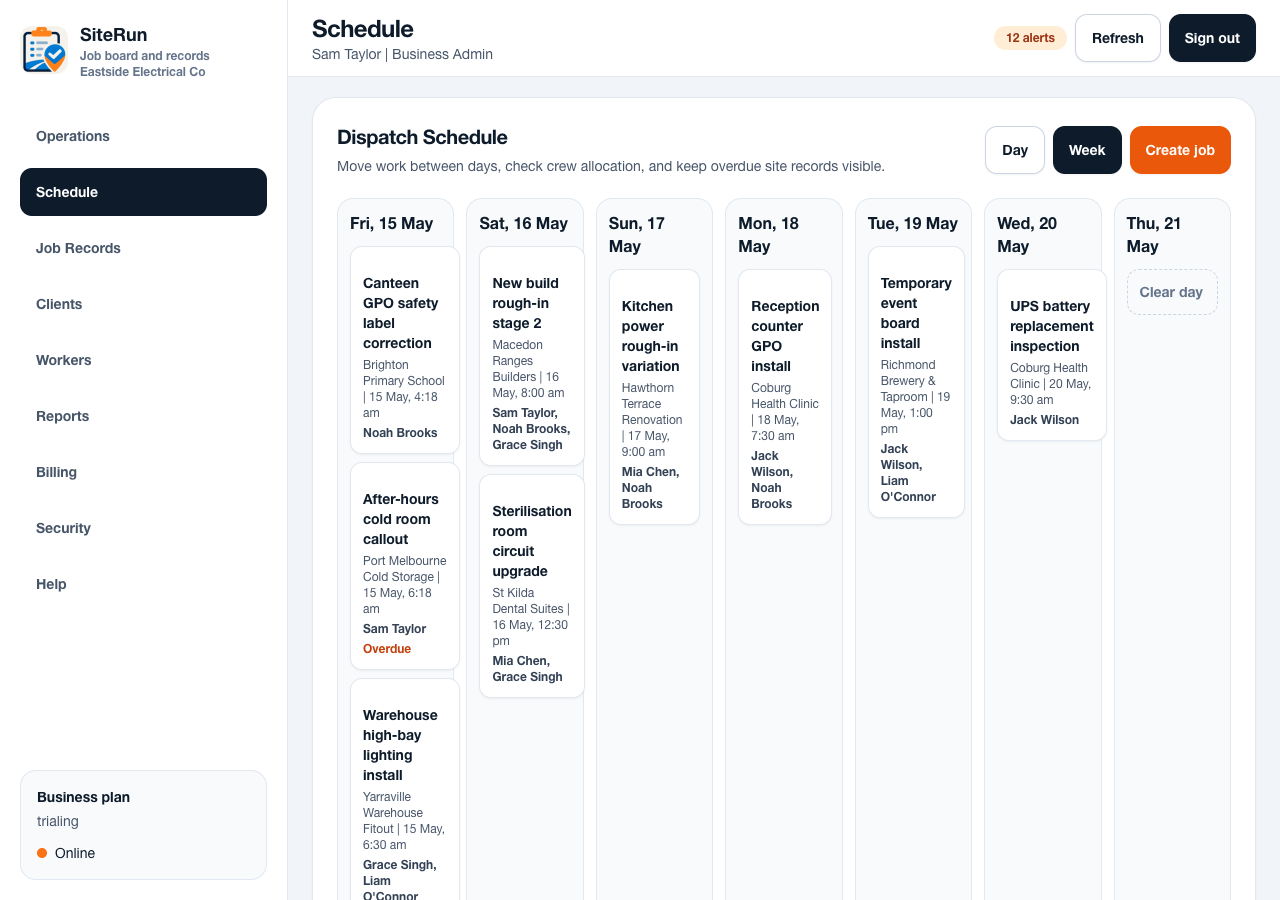
- Assign workers, vehicle or asset and scheduled time.
- Review the job after creation to confirm the worker can see what they need.
Operational notes
- Clients can have multiple sites. Use saved sites for repeat work and one-off locations for unusual callouts.
- Worker assignment controls who sees the job and who can check in.
- Overdue and closeout states should be visible from both the schedule and job board.
Common mistakes to avoid
- Putting the whole scope into the calendar title.
- Using the client billing address when the actual work is at another site.
- Assigning workers late, which leaves the run sheet incomplete.
Mobile notes
- The phone schedule should favour cards over tiny calendar blocks.
- Workers need the next job and action, while admins can use the full day or week view.
Ready to try this workflow?
Open SiteRun, create one real job record and test the steps with the crew member who will use it onsite.