
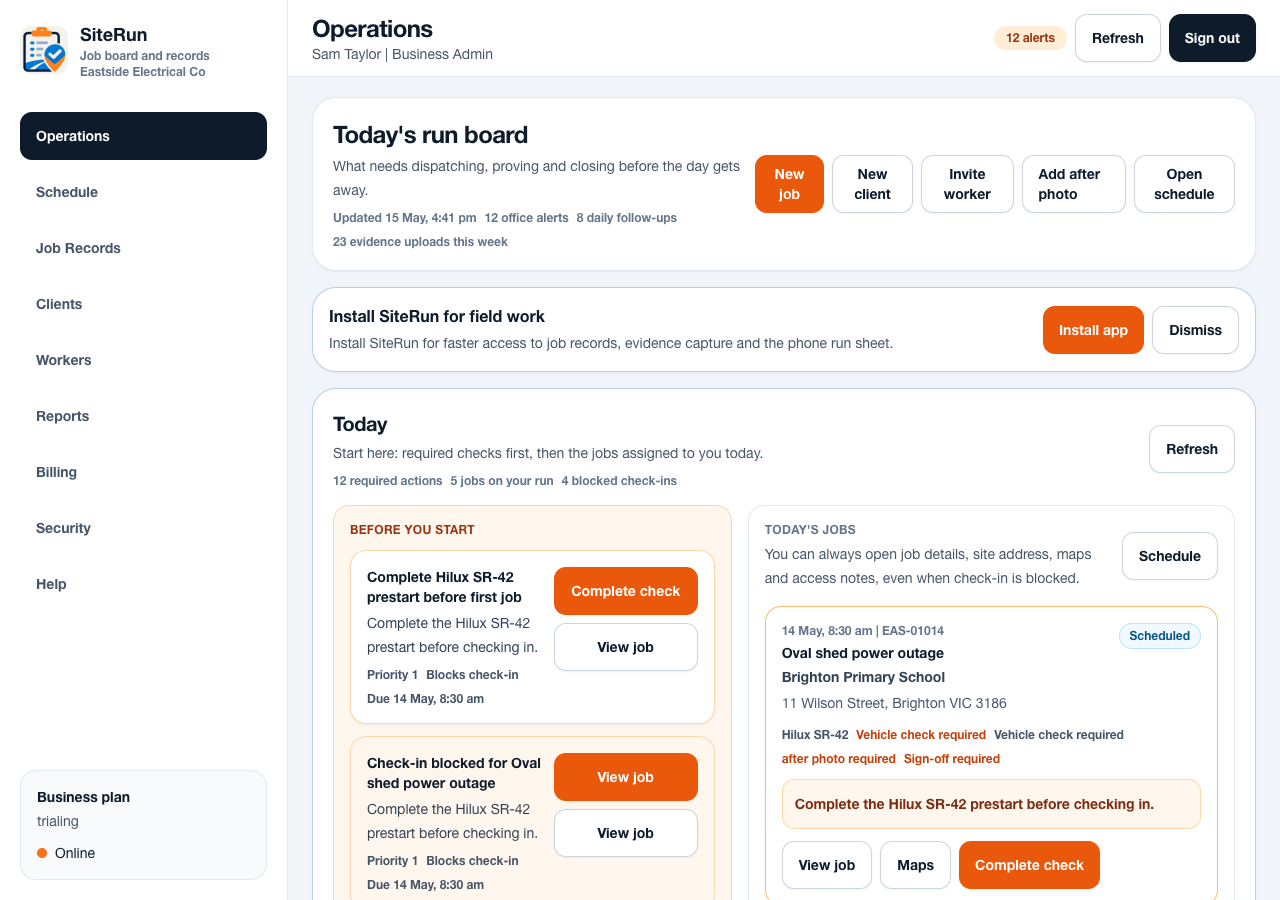
Workflow
- Invite each person with their own email address.
- Assign the lowest role that lets the person do their job.
- Check worker access by assigning only the jobs they need.
- Keep billing and business settings for admin-capable users.
- Review audit logs when access or rule changes matter.
Operational notes
- Workers cannot access billing or business admin controls.
- Business admins can manage their workspace but should not access super admin tools.
- Tenant separation keeps one business workspace from seeing another business record set.
Common mistakes to avoid
- Using shared accounts instead of named users.
- Leaving old workers active after they leave the business.
- Giving admin rights to solve a one-off support problem.
Ready to try this workflow?
Open SiteRun, create one real job record and test the steps with the crew member who will use it onsite.