
Workflow
- Add or invite the worker using their work email.
- Set the worker role and keep permissions practical.
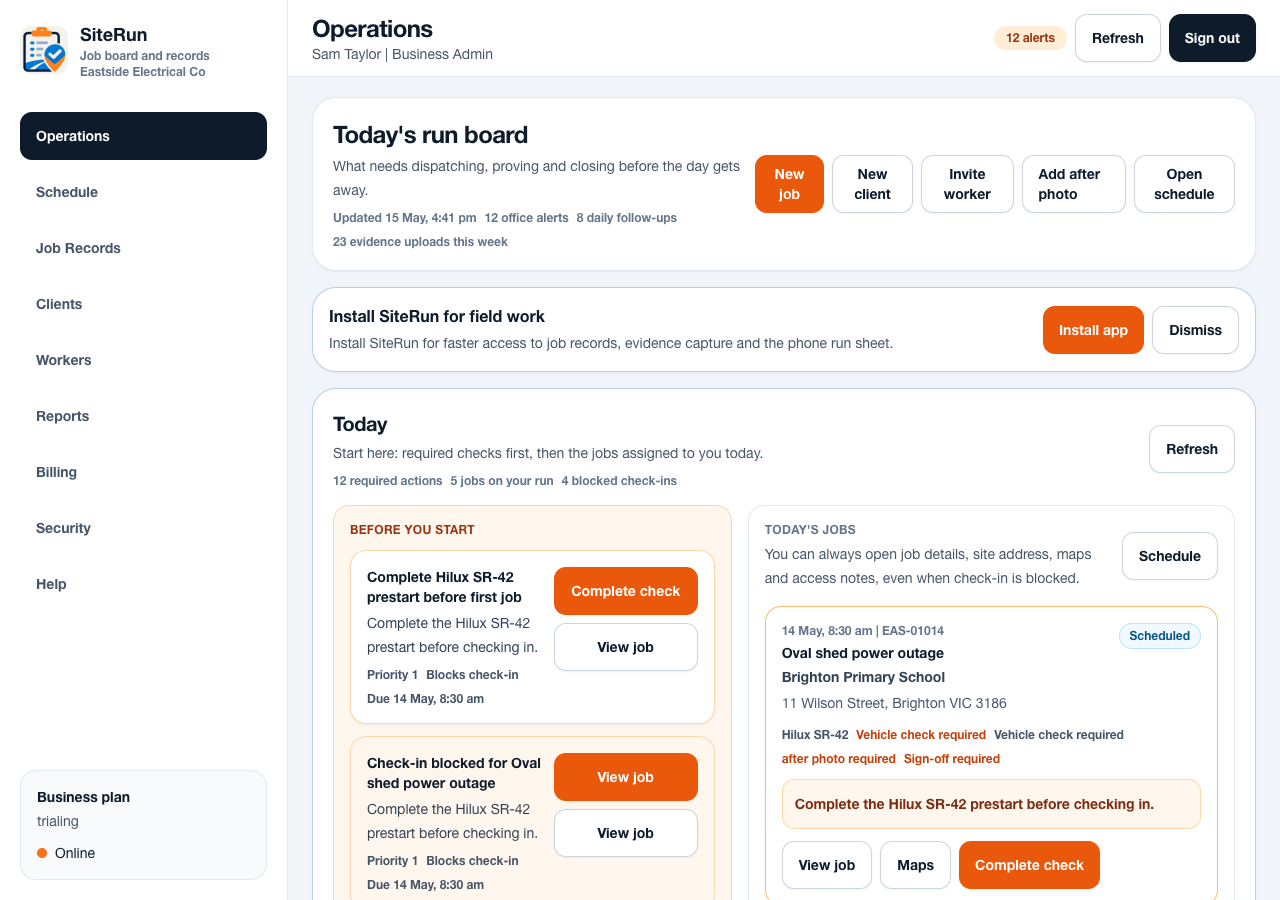
- Assign jobs so the worker Today dashboard has useful work to show.
- Review last seen, onsite status, uploads and pending sign-offs.
- Deactivate workers who should no longer access business records.
Operational notes
- Workers should not need billing, admin controls or super admin areas.
- Inactive workers should be kept out of new assignments while preserving old audit history.
- Worker activity is useful because it links a person to notes, photos, sign-offs and timestamps.
Common mistakes to avoid
- Sharing one login across the crew.
- Giving admin access to workers who only need job updates.
- Deleting history instead of deactivating access.
Ready to try this workflow?
Open SiteRun, create one real job record and test the steps with the crew member who will use it onsite.