
Workflow
- Open Clients when you need to review customer records or repeat work locations.
- Create the client with the business name, contact details and billing-level information.
- Open the relevant client card and choose Add site to add a repeat work location under that client.
- Add the site address, site contact and access notes the worker needs before arrival.
- When creating a job, choose a saved site for repeat work or enter a one-off location for unusual callouts.
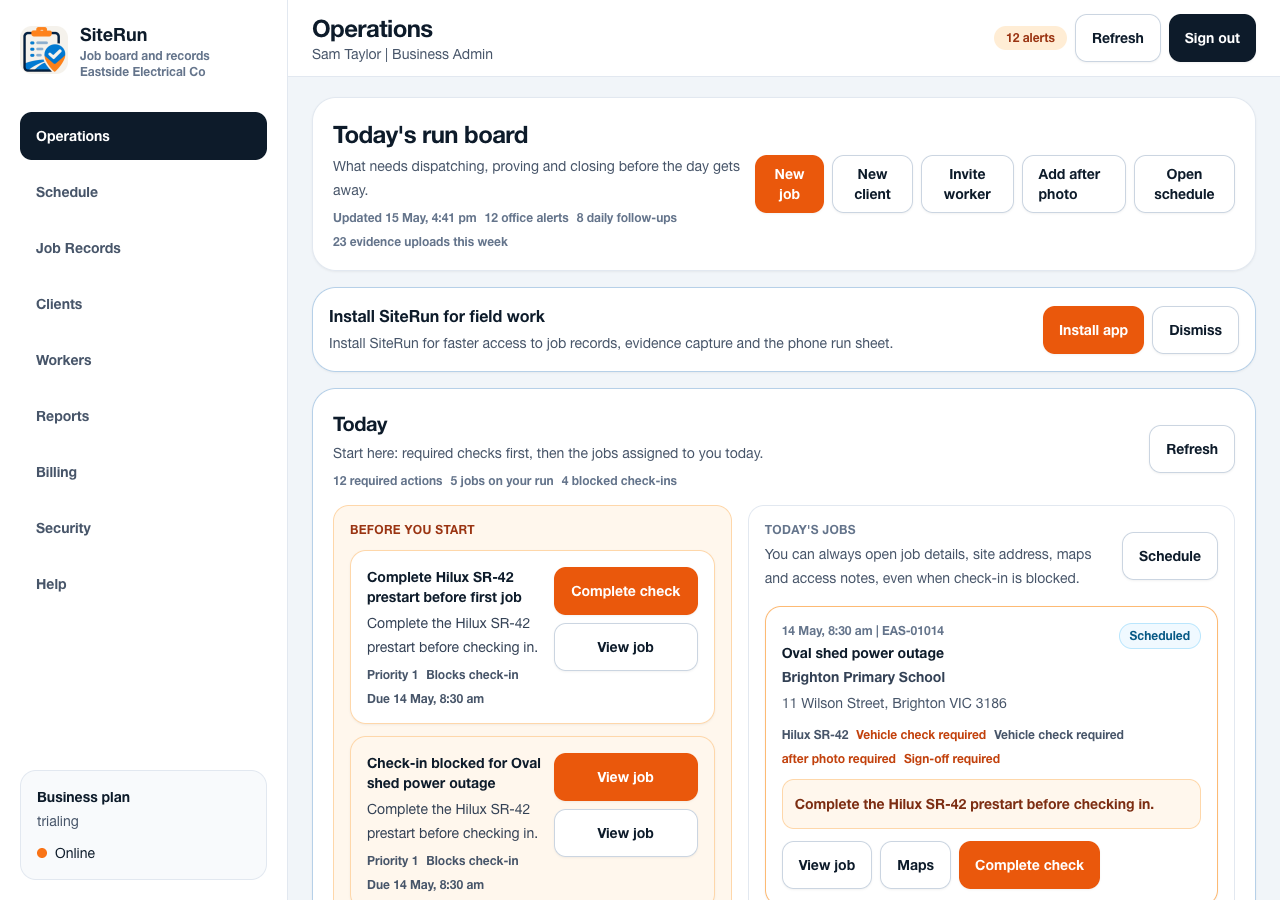
- Review the worker-facing job detail so the first viewport shows when, where, client contact and access notes clearly.
Operational notes
- Add site is a per-client action because the site belongs to a specific customer record.
- Saved sites are best for repeat work. One-off locations are best for temporary or unusual jobs that should not clutter the client record.
- Site access notes should be practical: entry point, contact, parking, safety instructions and anything that prevents a wasted trip.
- Client and site cleanup improves maps, calls, reports, exports and worker confidence on site.
Common mistakes to avoid
- Adding every temporary location as a saved site.
- Putting access instructions into private messages instead of the site or job record.
- Using a billing address as the work address when the job happens somewhere else.
- Leaving old contact numbers on repeat sites.
Mobile notes
- Workers see the selected site address and contact from the job detail, not the full client-management screen.
- Keep site names short enough to scan on a phone.
- Use the job detail to confirm maps and call links before sending workers to site.
Ready to try this workflow?
Open SiteRun, create one real job record and test the steps with the crew member who will use it onsite.